
Low FPS, stuttering, or poor GPU usage can confuse many PC gamers. In many cases the real problem is not the graphics card but the processor. Understanding CPU bottleneck vs GPU bottleneck is essential when diagnosing gaming performance issues. For a complete step-by-step guide on CPU & GPU bottlenecks, check out this detailed article on Medium.
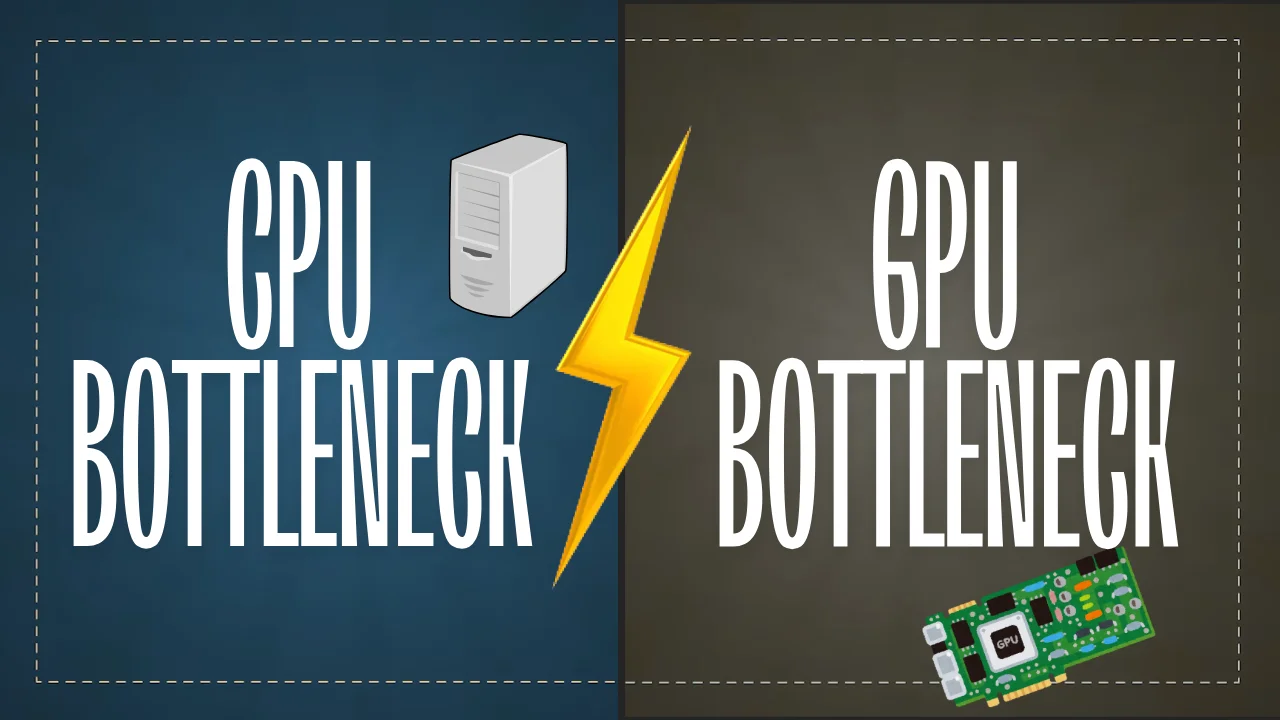
Many gamers assume that upgrading their GPU automatically improves performance. However, if the processor cannot keep up with the graphics workload, the system becomes CPU limited. On the other hand, when the graphics card is overloaded with rendering tasks, the system becomes GPU limited.
This guide explains CPU bottleneck vs GPU bottleneck, how to recognize each one, how they affect gaming performance, and the best ways to fix them.
In reality, some level of bottleneck is normal in PC gaming. The goal is not to eliminate bottlenecks completely but to maintain a balanced system where CPU and GPU performance complement each other.
What Is a CPU Bottleneck?
A CPU bottleneck happens when the processor cannot process game logic, physics calculations, AI tasks, and draw calls fast enough for the graphics card.
When this occurs, the GPU must wait for the CPU to complete instructions before rendering the next frame. In a CPU bottleneck vs GPU bottleneck comparison, this scenario often leads to unstable frame rates and stuttering.
CPU bottlenecks are most common in the following situations:
• Older processors paired with modern GPUs
• High refresh rate gaming such as 144Hz or 240Hz
• CPU intensive games with complex AI or physics
Games with large numbers of characters, physics calculations, or simulation systems place heavy demands on the processor. When the CPU cannot keep up, the graphics card remains underutilized.
What Is a GPU Bottleneck?
A GPU bottleneck occurs when the graphics card becomes the limiting component in the system.
In this situation the GPU is fully utilized rendering graphics, textures, shadows, and visual effects while the CPU still has unused capacity. In a CPU bottleneck vs GPU bottleneck scenario, this is actually the more common and expected limitation for gaming.
Typical causes of GPU bottlenecks include:
• High graphics settings
• High resolutions such as 1440p or 4K
• Older graphics cards paired with modern games
Unlike CPU limitations, GPU bottlenecks generally scale with graphics settings. Lowering resolution or visual effects can often restore performance.
CPU Bottleneck vs GPU Bottleneck
| Factor | CPU Bottleneck | GPU Bottleneck |
|---|---|---|
| Limiting component | Processor | Graphics card |
| GPU usage | Low or inconsistent | Near 100% |
| FPS stability | Often inconsistent | Usually stable |
| Common causes | Older CPU, high refresh gaming | High graphics settings |
| Fix difficulty | Sometimes expensive | Usually easier |
| Preferred in gaming | No | Yes |
Understanding CPU bottleneck vs GPU bottleneck using a comparison table like this helps quickly identify which component is limiting performance.
Signs of a CPU Bottleneck
Low GPU Utilization During Gameplay
If GPU usage remains far below 90% during gaming, the processor may be limiting performance.
High CPU Usage Across Multiple Cores
Many CPU bottleneck situations show processors running near full capacity while the graphics card is underutilized.
FPS Drops in CPU Heavy Scenes
Large battles, complex AI systems, or crowded environments often trigger performance drops when a CPU bottleneck vs GPU bottleneck issue exists.
Poor Performance at Low Graphics Settings
If lowering graphics settings does not significantly increase FPS, the processor is likely the limiting factor.
Signs of a GPU Bottleneck
GPU Usage Near 100%
When GPU utilization stays close to maximum during gameplay, the graphics card is likely the performance limiter.
FPS Improves When Lowering Graphics Settings
Reducing visual quality or resolution usually increases performance in GPU limited systems.
High Resolution Causes Large FPS Drops
Playing at 1440p or 4K places heavy stress on the graphics card.
Stable CPU Usage During Gameplay
If CPU usage remains moderate while GPU usage is maxed out, the system is experiencing a GPU bottleneck.
Which Bottleneck Is Worse for Gaming?
In most gaming scenarios, a GPU bottleneck is preferable to a CPU bottleneck.
When comparing CPU bottleneck vs GPU bottleneck impact on gaming, GPU limitations are easier to manage because players can adjust graphics settings.
CPU bottlenecks are more problematic because they often create stutters, inconsistent frame pacing, and input latency.
Competitive gamers often prioritize stronger processors to maintain consistent frame rates at high refresh rates.
Games That Are More Likely to Cause CPU Bottlenecks
Some game genres rely heavily on processor performance.
Examples include:
• Strategy and simulation games
• Large open world games
• MMORPGs with many players
• Games with complex physics systems
These titles require significant CPU resources to manage AI, world simulation, and background systems.
Games That Are More Likely to Cause GPU Bottlenecks
Other titles place most of their workload on the graphics card.
Common examples include:
• Graphically demanding AAA games
• Ray tracing heavy titles
• High resolution gaming
In these cases, rendering detailed environments and visual effects requires significant GPU power.
How to Identify Whether Your CPU or GPU Is the Bottleneck
Monitor Hardware Usage
Use monitoring tools such as MSI Afterburner or HWInfo to track CPU and GPU utilization during gameplay.
Test Performance at Different Graphics Settings
Lower graphics settings and check whether FPS improves significantly.
If performance barely changes, a CPU limitation is likely.
Check Frame Time Consistency
Irregular frame times often indicate CPU related performance issues.
How to Fix a CPU Bottleneck
Upgrade the Processor
Upgrading to a newer CPU architecture can significantly reduce CPU bottleneck vs GPU bottleneck imbalance.
Overclock the CPU
Increasing processor clock speeds can improve frame rates in CPU limited scenarios.
Reduce CPU Heavy Game Settings
Lower settings such as:
• draw distance
• crowd density
• physics quality
Close Background Applications
Freeing CPU resources can improve performance stability.
How to Fix a GPU Bottleneck
Lower Graphics Settings
Reducing shadows, textures, and ray tracing can improve frame rates.
Reduce Resolution or Use Upscaling
Technologies such as DLSS and FSR allow better performance without large quality loss. You can read more about it here: https://www.nvidia.com/en-us/geforce/technologies/dlss
Upgrade the Graphics Card
A newer GPU can significantly increase rendering performance.
Improve Cooling
Preventing thermal throttling ensures the GPU maintains stable clock speeds.
How to Prevent Bottlenecks When Building a Gaming PC
Balanced hardware selection is the best way to avoid CPU bottleneck vs GPU bottleneck issues.
Important factors include:
• target resolution
• monitor refresh rate
• types of games played
Balanced builds ensure both processor and graphics card operate efficiently.
To analyze your hardware combination you can use this bottleneck calculator.
CPU vs GPU Bottleneck in Different Gaming Scenarios
1080p Competitive Gaming
At lower resolutions, the CPU often becomes the limiting factor because the GPU can render frames faster.
1440p Gaming
This resolution typically creates a balanced workload between processor and graphics card.
4K Gaming
Most systems become GPU limited because rendering workloads increase significantly.
Final Verdict: CPU Bottleneck vs GPU Bottleneck
When comparing CPU bottleneck vs GPU bottleneck, both are normal parts of gaming performance.
CPU limitations mainly affect frame consistency and responsiveness while GPU limitations impact maximum graphical quality and frame rate.
The best gaming systems maintain balance between processor and graphics performance.
Before upgrading hardware, analyze your system carefully to determine which component is actually limiting performance.