
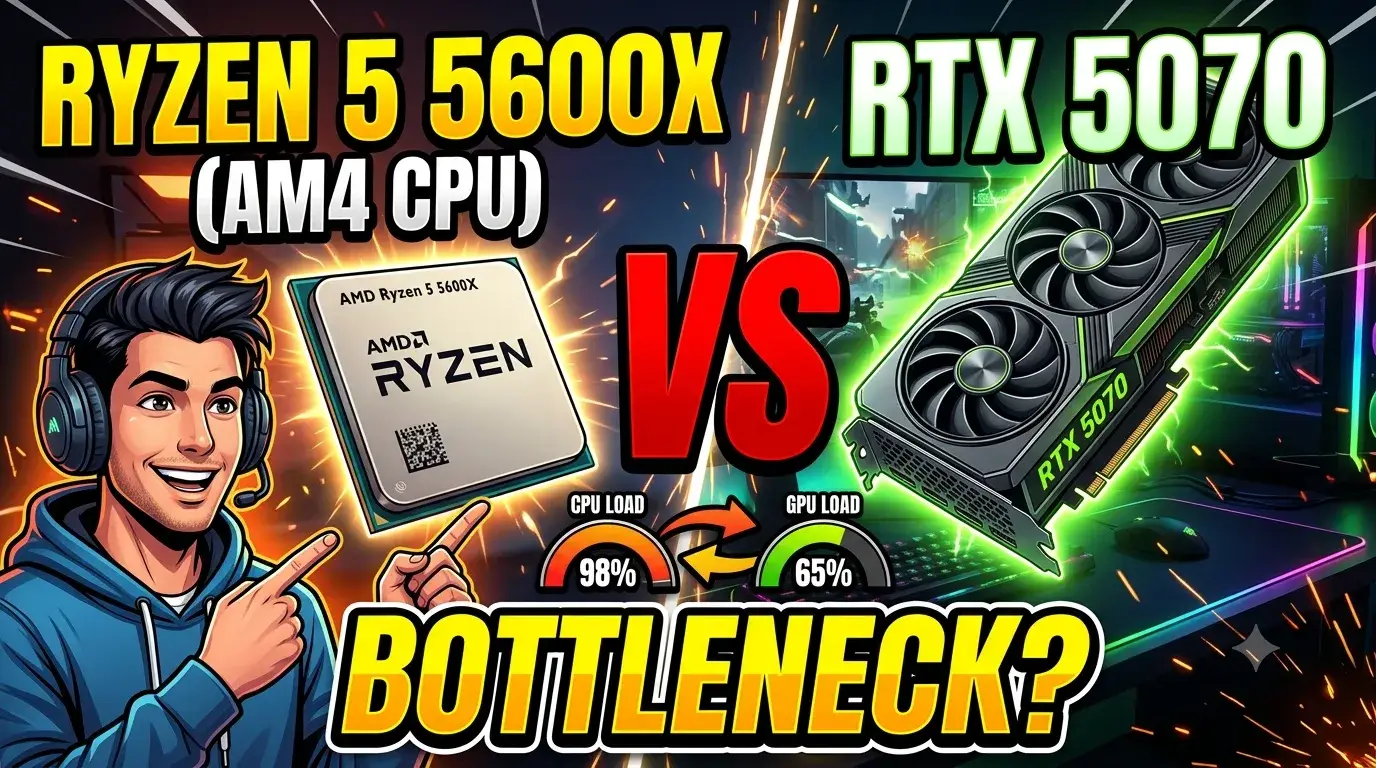
Pairing an established mid-range processor with a high-end, next-generation graphics card is one of the most common ways to upgrade a PC. However, if you are looking to combine the Zen 3-based AMD Ryzen 5 5600X with the Blackwell-architecture NVIDIA GeForce RTX 5070 12GB, you are likely wondering if your system processing speeds will choke your graphical capabilities.
The short answer is yes, but it heavily depends on your resolution and the type of games you play. Here is exactly how this hardware pairing behaves under real-world conditions.
Feature Box: The Quick Verdict
A Ryzen 5 5600X and RTX 5070 bottleneck will occur in CPU-bound scenarios, particularly if you are targeting high refresh rates at 1080p resolution or playing heavily simulated games. However, for AAA titles running at 1440p resolution or higher with maximum graphical settings, the combination delivers an excellent experience. The RTX 5070 12GB handles the massive visual load easily, shifting the performance limitation back onto the GPU and minimizing any noticeable frame drops caused by the older AM4 processor.
1440p Gaming Performance and Resolution Scaling
The impact of the processing bottleneck changes radically depending on your monitor’s resolution and your in-game graphic settings.
1080p Resolution (Severe Bottleneck)
At 1080p, the RTX 5070 12GB renders frames faster than the 6-core, 12-thread Ryzen 5 5600X can prepare them. You will notice low GPU utilization (often hovering around 60-70%), micro-stutters in open-world titles, and an inability to hit the maximum theoretical frame rates the GPU is capable of producing.
1440p Resolution (The Sweet Spot)
When you move up to 1440p gaming performance, the dynamic changes. The pixel load increases by over 75%, forcing the RTX 5070 to work much harder. As GPU utilization climbs past 90%, the performance deficit of the 5600X narrows significantly. You will achieve smooth, high-refresh gameplay in major AAA titles like Cyberpunk 2077 or Hogwarts Legacy.
4K Resolution (Zero Bottleneck)
At 2160p, performance becomes entirely GPU-bound. The Ryzen 5 5600X performs identically to top-tier modern chips because the graphics card is working at maximum capacity to push the massive pixel count.
Game-by-Game Real World Behavior
| Game Type | Bottleneck Severity | Expected Experience |
|---|---|---|
| GPU-Heavy AAA (Alan Wake 2, Cyberpunk 2077) | Minimal | Ultra settings with Ray Tracing pushes the GPU to 99% load, making the 5600X perfectly fine. |
| CPU-Bound Open World (Baldur’s Gate 3, GTA 5) | Moderate | Dense crowds and heavy AI calculations will cause minor frame drops in complex areas. |
| Competitive Esports (Apex Legends, Fortnite) | High | While you will get 200+ FPS, a newer CPU would unlock 300+ FPS on low/competitive settings. |
How to Optimize: Your CPU Bottleneck Patch
If you already own this combination or plan to purchase it, you don’t need to rush out and swap your motherboard immediately. You can use a temporary software configuration “patch” to balance the load out manually:
- Max Out Graphic Settings: Counterintuitively, turning up settings like texture quality, shadows, and ray tracing increases GPU load, which stabilizes frame delivery and eliminates CPU-induced frame pacing issues.
- Leverage DLSS 4 Multi-Frame Generation: Utilizing NVIDIA’s AI frame generation inserts neural-rendered frames without demanding extra processing cycles from your 5600X, bypassing structural engine limitations. IT Creations
- Cap Your Framerate: Lock your FPS slightly below your monitor’s maximum refresh rate (e.g., 141 FPS on a 144Hz panel) using RTSS or the NVIDIA Control Panel to prevent the processor from spiking to 100% utilization.
The AM4 Upgrade Path
If you find that your favorite simulation titles or competitive shooters are dropping frames due to the Ryzen 5 5600X and RTX 5070 bottleneck, you do not need to buy a completely new motherboard, DDR5 RAM, and platform.
The AM4 upgrade path allows you to drop a Ryzen 7 5700X3D or a Ryzen 7 5800X3D directly into your existing socket. The massive 3D V-Cache on those chips completely erases the processing bottleneck, fully feeding the RTX 5070 12GB and extending your system’s life cycle for several more years.